A stress-free way to stay consistent with your marketing
If you’ve ever felt overwhelmed trying to post regularly on social media or update your blog, you’re not alone. Many solopreneurs start strong with their marketing, only to lose momentum when life and client work take over. The truth is, consistency matters more than perfection.
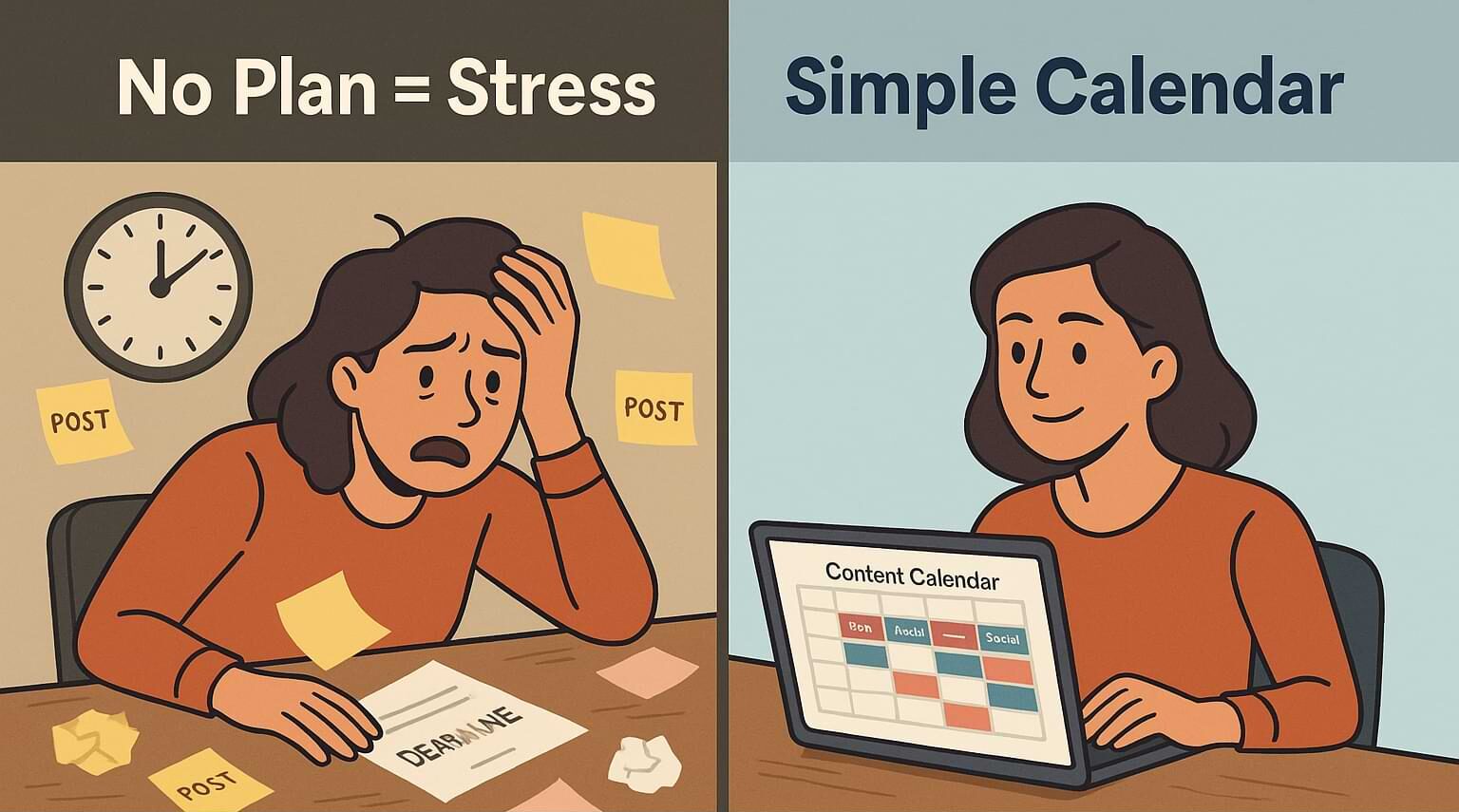
A simple content calendar helps you plan ahead, stay visible, and make marketing feel manageable. You don’t need fancy tools or a marketing degree—just a reliable system. In this week’s Tips Tuesday, we’ll break down what a content calendar is, why it matters, and how to create one that fits your busy schedule. By the end, you’ll have a step-by-step roadmap to keep your marketing on track without burning out.
The Problem
Without a plan, marketing tends to happen in spurts—one week you’re posting every day, and the next, nothing. This inconsistency confuses your audience and hurts your credibility. According to the Content Marketing Institute, 64% of small businesses say producing content consistently is their biggest challenge.
It’s not a lack of ideas, it’s the lack of structure. When everything depends on last-minute inspiration, it’s easy to skip a week, then two, and suddenly your audience forgets you exist. A content calendar turns guesswork into a system. It helps you organize your ideas, set realistic posting goals, and keep your message consistent across all platforms. With a little planning, you’ll reduce stress and save hours each week.
The Tip Explained
A content calendar is a simple tool that outlines what content you’ll share, when, and where. Think of it as your marketing roadmap.
Instead of scrambling to post something on Tuesday morning, you already know what’s going live and can prepare it ahead of time. Your content calendar doesn’t have to be complicated—a Google Sheet, Trello board, or even a notebook will work. What matters is that it helps you see your content at a glance.
Here’s why it works: planning ahead reduces decision fatigue. You spend less time wondering what to post and more time creating content that supports your goals. It also helps you balance your topics, so you’re not repeating yourself or neglecting key areas of your business.
Over time, a calendar reveals patterns—what performs best, when your audience engages most, and where to focus your energy. By making marketing part of your routine instead of an afterthought, you’ll build momentum and consistency that leads to steady growth.
Step-by-Step Implementation
Step 1: Choose Your Format
Start simple. Use a spreadsheet, Google Calendar, or a free project tool like Trello. List the days of the month along one side and your content platforms (blog, email, social media) across the top. Don’t overcomplicate it—your goal is clarity, not color coding.
Step 2: Pick Your Posting Schedule
Decide how often you can realistically post. If you’re new, aim for one blog post or newsletter a week and 2–3 social media posts. It’s better to be consistent with a few posts than inconsistent with many. Mark those posting days on your calendar.
Step 3: Define Your Content Themes
Choose 3–5 recurring themes related to your business. For example: tips, behind-the-scenes, client stories, and product features. Rotate these themes to keep your content fresh but focused. Having themes helps you brainstorm faster and ensures your content aligns with your brand.
Step 4: Plan One Month Ahead
Set aside one hour at the end of each month to plan the next one. Write down what topics you’ll cover and where you’ll publish them. This doesn’t mean every detail is fixed—you can always adjust—but having a month’s view prevents the panic of last-minute posting.
Step 5: Batch Your Work
Whenever possible, create several pieces of content in one sitting. Write two blog posts at once or record multiple short videos in a single session. Batching saves time and keeps your content quality consistent. Then, schedule posts using tools like Buffer or Later so they go out automatically.
Common Mistakes to Avoid
One common mistake is trying to plan too far ahead. While it’s great to think long-term, planning more than two months in advance can make your calendar rigid and hard to adapt.
Another mistake is being overly ambitious. Posting every day sounds great but quickly leads to burnout. Start small and scale up once you’re comfortable.
Finally, don’t make your calendar too complex. If it takes more time to update your system than to create content, it’s defeating the purpose. Keep it simple, flexible, and focused on your core goals.
Action Step
Set aside 30 minutes this week to create your first content calendar. Choose your format, set a manageable posting schedule, and brainstorm a few themes. Then, fill in the first week’s plan.
Remember, your first version doesn’t have to be perfect—it just needs to work for you. Once you see your content laid out visually, you’ll feel more organized and confident about your marketing. That single step turns “I’ll post when I have time” into “I know exactly what’s next.”
Recap & Benefits
Creating a content calendar helps you stay consistent, save time, and reduce stress around marketing. It turns chaos into clarity by giving you a simple structure for planning and posting. You’ll spend less time scrambling and more time connecting with your audience.
For solopreneurs, consistency builds trust—and trust leads to clients.
By building a simple content calendar that works, you’re setting up a sustainable system that keeps your business visible and growing.
Final Thoughts
Thanks for reading this week’s Tips Tuesday. I hope you’re inspired to create your first content calendar and simplify your marketing. Remember, progress beats perfection.
As business author James Clear said, “You do not rise to the level of your goals. You fall to the level of your systems.”
Start with a simple system, and success will follow.
Feeling stuck with your marketing? This week’s Tips Tuesday shows how to build a simple content calendar that keeps you consistent and stress-free. Share on XSee my archive of Tips Tuesday articles.
his Blog Post is Brought to You by Blubrry
If you’re in need of a podcast host, let me recommend Blubrry podcast hosting. No contracts and you can cancel at any time. Plus they’ve redesigned their dashboard and it’s a beautiful and simplified. Competitive prices too! And if you already have a podcast host, migrate to Blubrry for free!











