Save time and reduce errors by letting technology handle the busywork
If you’ve ever ended a long day feeling like you were busy but didn’t really accomplish much, you’re not alone. Many solopreneurs and small business owners spend hours each week on repetitive, low-value tasks that eat into time better spent on strategy, sales, or creativity.
Think about how often you copy-paste the same email, update spreadsheets, or send reminders. These small actions add up—costing both time and focus. The good news? Today’s automation tools can take care of these chores for you.
This week’s Tips Tuesday explores how to automate repetitive tasks so you can focus on what truly moves your business forward. You’ll learn what automation really means, how to start small, and how to choose the right tools for your needs.
The Problem
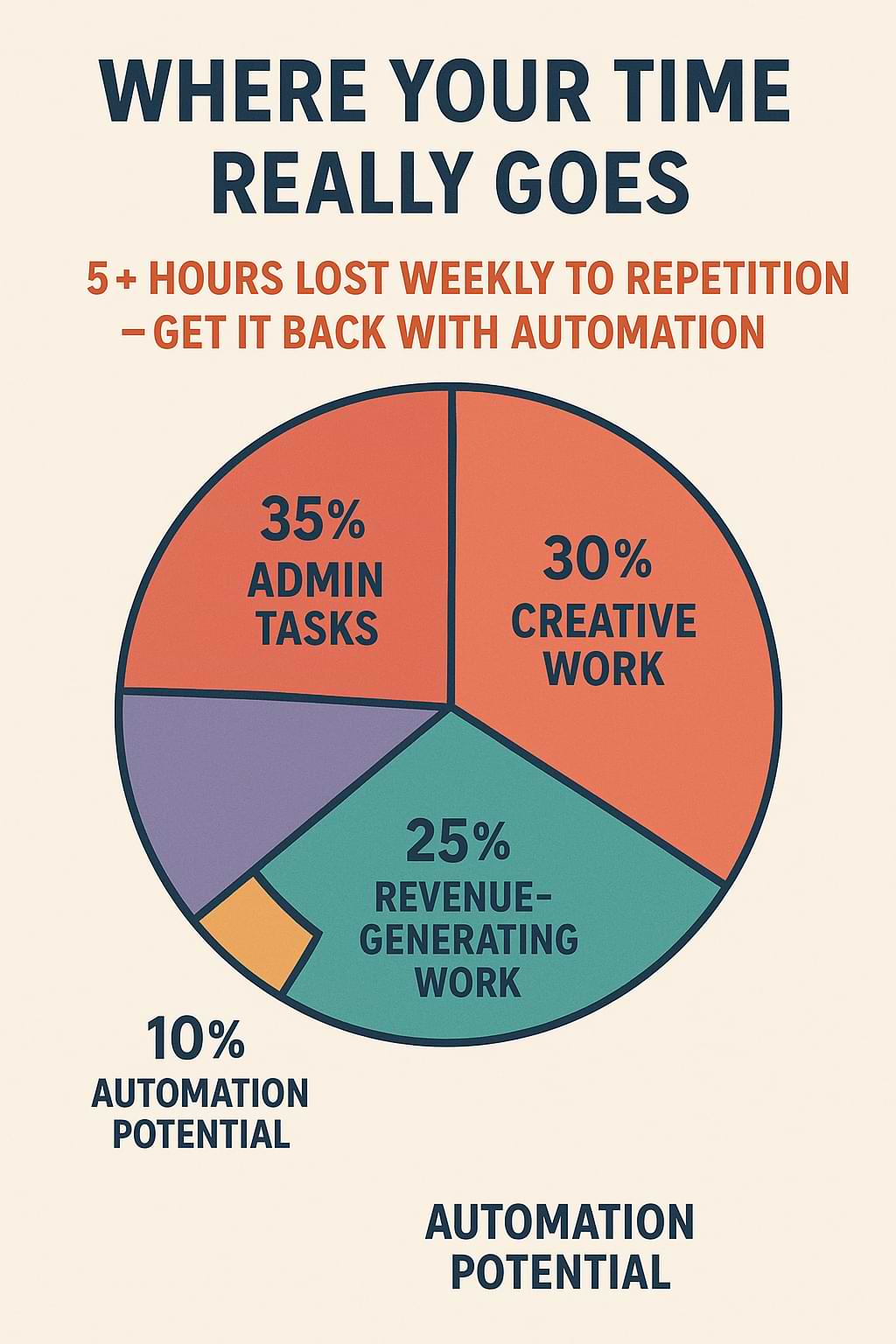
Repetition can be the silent killer of productivity. A 2023 Zapier study found that over 90% of small business owners say they perform the same tasks multiple times a week, and nearly half say these tasks take up at least five hours of their time.
Tasks like data entry, appointment scheduling, follow-up emails, and file organization are essential, but they don’t directly generate revenue. Worse, manual repetition increases the chance of errors—typos, missed deadlines, or lost client information.
The problem isn’t just about time; it’s about mental energy. Each repeated task drains focus, making it harder to think strategically or creatively. When your mind is cluttered with details, innovation and big-picture thinking suffer.
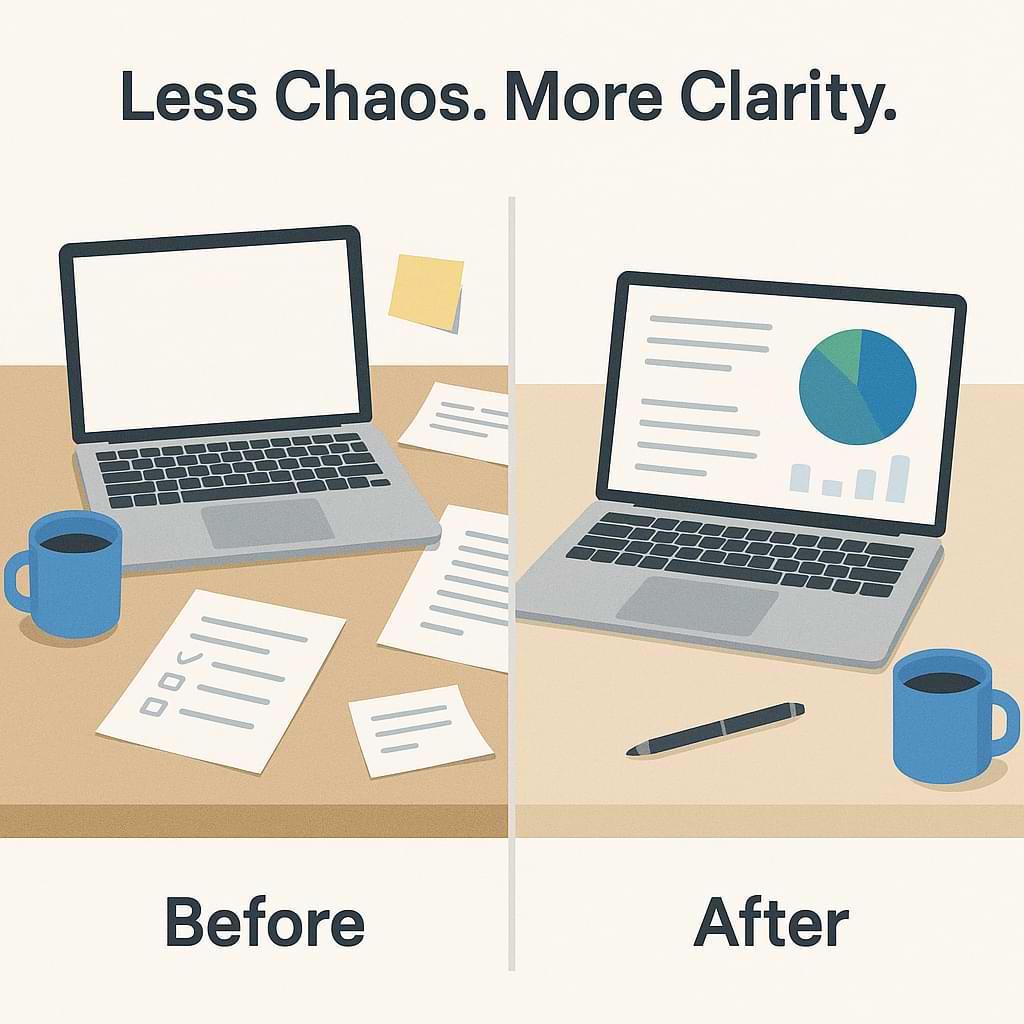
Automation can solve this problem by taking the burden of repetition off your plate. The challenge is knowing where to start and how to make automation fit your workflow without feeling overwhelming or impersonal.
The Tip Explained
Automation simply means using technology to perform tasks with little or no human input. It’s not about replacing people—it’s about freeing them up to do higher-value work.
For solopreneurs, automation can look like:
- Scheduling social media posts ahead of time
- Sending automatic email responses or follow-ups
- Using a CRM to track and update client information
- Syncing data between apps like Google Sheets, QuickBooks, and your calendar
The key is to identify repetitive actions that don’t require your unique judgment or creativity. For instance, if you manually send appointment reminders, an automation tool like Calendly or Acuity Scheduling can handle that instantly.
Automation also reduces human error and increases consistency. A properly set-up workflow ensures every new lead receives a follow-up, every invoice gets sent, and every project step is tracked without you having to remember it.
Start with simple, time-saving automations and gradually add more as you grow comfortable. Tools like Zapier, Make (formerly Integromat), and IFTTT make it easy to connect your favorite apps without needing to code.
Ultimately, automation helps you reclaim time, reduce stress, and scale your business operations smoothly—without adding more hours to your day.
Step-by-Step Implementation
1. Identify Repetitive Tasks
Spend one week tracking what you do each day. Highlight anything you repeat more than twice a week—like sending invoices, posting updates, or copying data. Those are your automation candidates.
2. Choose the Right Tools
Select automation tools based on the apps you already use. For example, if you rely on Google Workspace, Zapier integrates seamlessly with Gmail, Sheets, and Calendar. If you manage projects in Trello or Asana, Make or Automate.io might be better fits.
3. Start with One Workflow
Don’t try to automate everything at once. Pick one process—like sending new client welcome emails—and automate just that. Test it for accuracy and reliability before expanding.
4. Document Your Automations
Keep a simple record of each automation: what it does, which apps it connects, and any filters or triggers. This will help you troubleshoot later and avoid confusion if you make changes.
5. Review and Refine Regularly
Automation isn’t “set it and forget it.” Review your workflows monthly. As your business grows, you may need to tweak steps or add new conditions. Regular maintenance ensures your systems stay efficient and relevant.
Common Mistakes to Avoid
- Trying to automate everything at once.
Too many new automations can lead to chaos or duplicate actions. Start small and scale gradually. - Skipping manual checks.
Automations save time, but they still need oversight. Always review new workflows before trusting them completely—especially when they involve customer communications or finances. - Ignoring the human touch.
Automation works best when it supports—not replaces—personal connection. For instance, use automation to send reminders or gather data, but keep your personalized follow-ups human. - Failing to document workflows.
Without clear documentation, you may forget what triggers an automation or how it’s set up. A simple spreadsheet or note system will save headaches later.
Action Step
This week, choose one repetitive task in your business and automate it.
Here’s how:
- Write down what triggers the task (for example, when a new lead fills out your website form).
- Decide what you want to happen automatically (send a welcome email, add them to your CRM, schedule a call).
- Use a tool like Zapier to build a simple workflow.
Once you see how much time it saves, you’ll be motivated to automate more. Even a single automation—like sending follow-ups or saving email attachments to a folder—can reclaim hours each month.
Recap & Benefits
Automating repetitive tasks helps solopreneurs and small business owners focus on higher-value work. By letting technology handle the busywork, you gain:
- More time for strategic thinking and client relationships
- Fewer errors in daily operations
- Consistent follow-ups and workflows
- A calmer, more organized workday
Remember, automation isn’t about doing less—it’s about doing better. Small steps today can create big productivity gains tomorrow. When your systems work automatically, your business feels smoother, faster, and more professional.
Final Thoughts
Automation is one of the most effective ways to reclaim control of your time and reduce burnout. Start small, stay consistent, and let technology handle what doesn’t need your direct attention.
What’s one task you could automate this week? Share your experience or favorite tools in the comments—I’d love to hear how automation is helping you work smarter.
As business author Tim Ferriss said, “Focus on being productive instead of busy.” Let automation help you do just that.
Feeling stuck doing the same tasks every day? This week’s Tips Tuesday shows you how to automate repetitive tasks so you can focus on real growth. Share on XSee my archive of Tips Tuesday articles.
his Blog Post is Brought to You by Blubrry
If you’re in need of a podcast host, let me recommend Blubrry podcast hosting. No contracts and you can cancel at any time. Plus they’ve redesigned their dashboard and it’s a beautiful and simplified. Competitive prices too! And if you already have a podcast host, migrate to Blubrry for free!











