How creating simple systems saves time and stress
As a solopreneur or small business owner, you wear many hats. One day you’re handling marketing, the next you’re managing clients, and in between you’re juggling finances, emails, and operations. With so many moving parts, it’s easy to feel overwhelmed. That’s where process documentation comes in.
Process documentation might sound boring or overly corporate, but it’s actually one of the smartest time-saving strategies for small business owners. It’s simply writing down the steps for your recurring tasks—things like onboarding a client, publishing a blog post, or sending out invoices.
This week, we’ll explore why process documentation is so important, how it can simplify your business, and practical steps for creating your own. You’ll discover how a little upfront effort can save you hours later, reduce mistakes, and even make it easier to bring on help when you’re ready.
The Problem with Process Documentation
When you’re the only person in your business, it’s tempting to keep everything in your head. After all, you know how to do it, right? The issue is that relying on memory creates stress, wasted time, and inconsistencies.
Think about sending invoices. Maybe you have a system, but every month you find yourself digging for last month’s template or wondering which details to include. Or maybe you publish blog posts, but sometimes you forget to optimize the images or double-check the links. Without documentation, each task feels harder than it needs to be.
According to a McKinsey study, employees spend nearly 20% of their time searching for information. For solopreneurs, that lost time adds up quickly. Without documented processes, you’ll reinvent the wheel with every recurring task, leaving less energy for growth activities like marketing or serving clients.
The good news is that documenting your processes doesn’t have to be complicated. Even a simple checklist can make a world of difference.
Process Documentation Explained
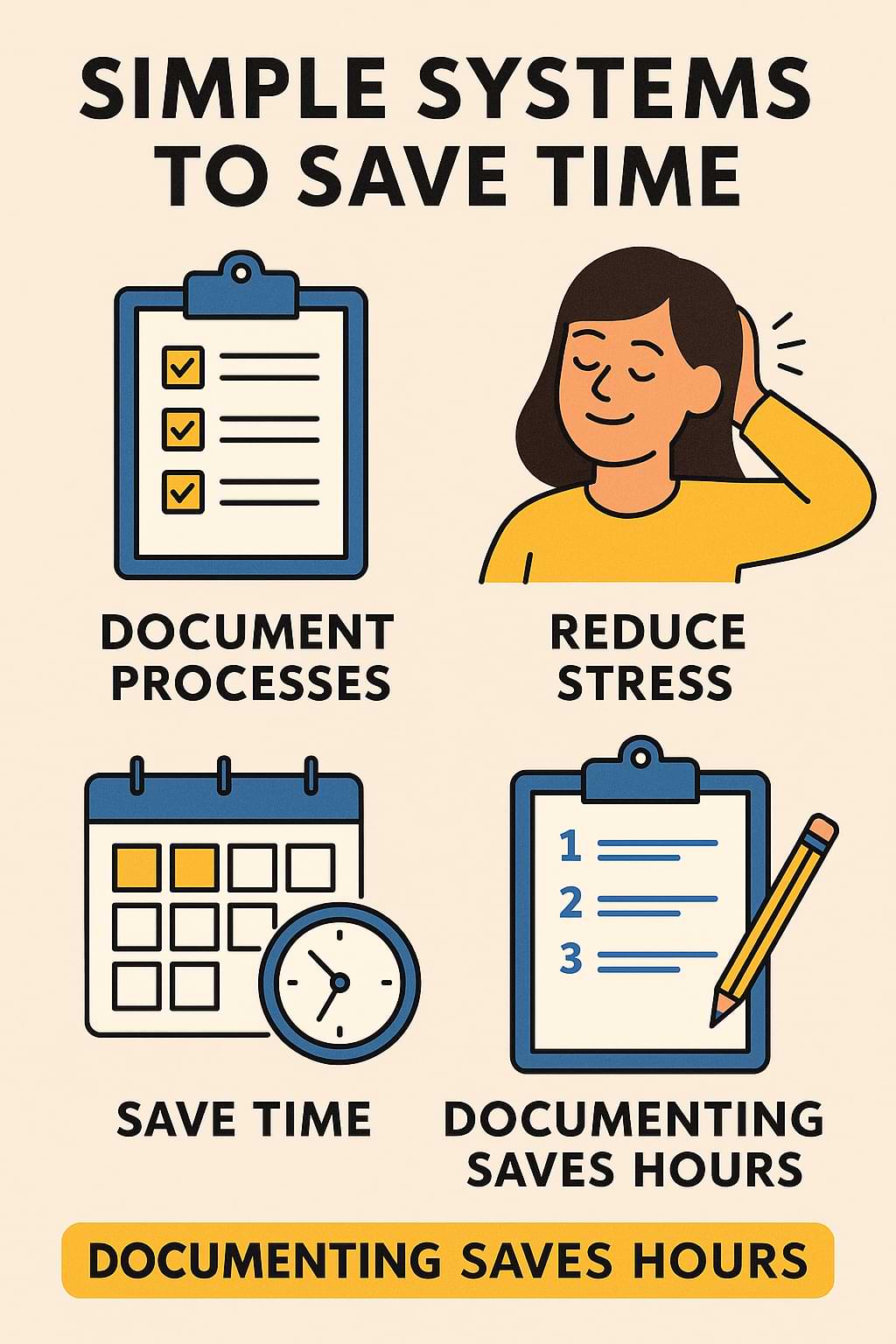
The core tip is this: document your key business processes. Process documentation is about capturing how you do things so you can repeat them consistently, without wasted time or missed steps.
This works because it removes decision fatigue. When you sit down to write your newsletter, instead of trying to remember what to do first, you simply follow your checklist. It ensures quality, consistency, and speed.
It also makes scaling easier. If you hire a virtual assistant or contractor, your process documentation becomes instant training material. Instead of spending hours explaining tasks, you can share your written steps and free yourself from micromanaging.
Let’s take client onboarding as an example. A simple process document might include:
- Send welcome email with intake form
- Set up client folder in Google Drive
- Schedule kickoff call
- Send invoice and contract
- Add client to project management tool
Having this list means you’ll never forget a step, and each client gets a smooth, consistent experience.
Best of all, you don’t need fancy software. You can document processes in Google Docs, Notion, or even a paper notebook. The important part is getting it out of your head and into a repeatable format.
Step-by-Step Implementation
Step 1: Identify Recurring Tasks
Start by making a list of tasks you do often. Look for things you repeat weekly, monthly, or with every client. Examples include invoicing, publishing social media posts, or sending proposals.
Step 2: Break It Into Steps
For each task, write down the steps in the order you do them. Don’t worry about making it perfect—just capture the flow. Imagine you’re explaining it to someone who has never done it before.
Step 3: Choose a Format
Decide where to keep your documentation. A simple Google Doc with headings works fine. If you prefer, tools like Notion or Trello let you create interactive checklists. The key is to make it easy to access.
Step 4: Test and Refine
Follow your process the next time you do the task. You’ll quickly notice if you missed a step or need to clarify something. Update your document as you go.
Step 5: Build a Habit
Set aside 15 minutes a week to document a new process. Over time, you’ll build a library of systems that saves you hours of work.
Common Mistakes to Avoid
One common mistake is trying to document everything at once. That leads to overwhelm. Start small with one or two core processes, then add more over time.
Another mistake is overcomplicating. You don’t need a 10-page manual. Short checklists and simple instructions are often enough.
Finally, avoid writing your documentation and never using it. The power comes from actually following it and updating it as your business evolves. Treat your process library as a living tool, not a one-time project.
Action Step
This week, pick one recurring task in your business and document it. Maybe it’s your invoice process, your weekly newsletter, or your client onboarding. Write down the steps in a simple checklist. Then, test it the next time you do the task.
By taking this one small action, you’ll experience the relief of not having to rely solely on memory. You’ll save time, reduce mistakes, and feel more organized. Over time, you can expand your library, but for now, start with one process and build from there.
Recap & Benefits
Process documentation may not be flashy, but it’s a game-changer for solopreneurs. By writing down how you do your key tasks, you free up mental energy, reduce stress, and ensure consistency.
It helps you work faster, provide a smoother client experience, and prepare your business for growth. Instead of wasting time reinventing the wheel, you’ll have simple systems that support your success.
As your business grows, these documents also make it easier to outsource and train others. That means more time for you to focus on revenue-generating activities.
Final Thoughts
Thanks for reading this week’s Tips Tuesday. If you’ve ever felt overwhelmed by the little tasks in your business, process documentation may be the quiet solution you’ve been missing. Start small, build over time, and watch how much smoother your days become.
I’d love to hear what process you decide to document first. Share your thoughts in the comments or send me a message.
As business author Michael Gerber once said, “Organize around business functions, not people. Build systems within each business function. Let systems run the business and people run the systems.”
For more on process documentation best practices, check out Smartsheet’s guide.
Tired of reinventing the wheel in your business? This week’s Tips Tuesday shows how process documentation saves time, reduces stress, and prepares you to grow. Share on XSee my archive of Tips Tuesday articles.
his Blog Post is Brought to You by Blubrry
If you’re in need of a podcast host, let me recommend Blubrry podcast hosting. No contracts and you can cancel at any time. Plus they’ve redesigned their dashboard and it’s a beautiful and simplified. Competitive prices too! And if you already have a podcast host, migrate to Blubrry for free!











